
API keys
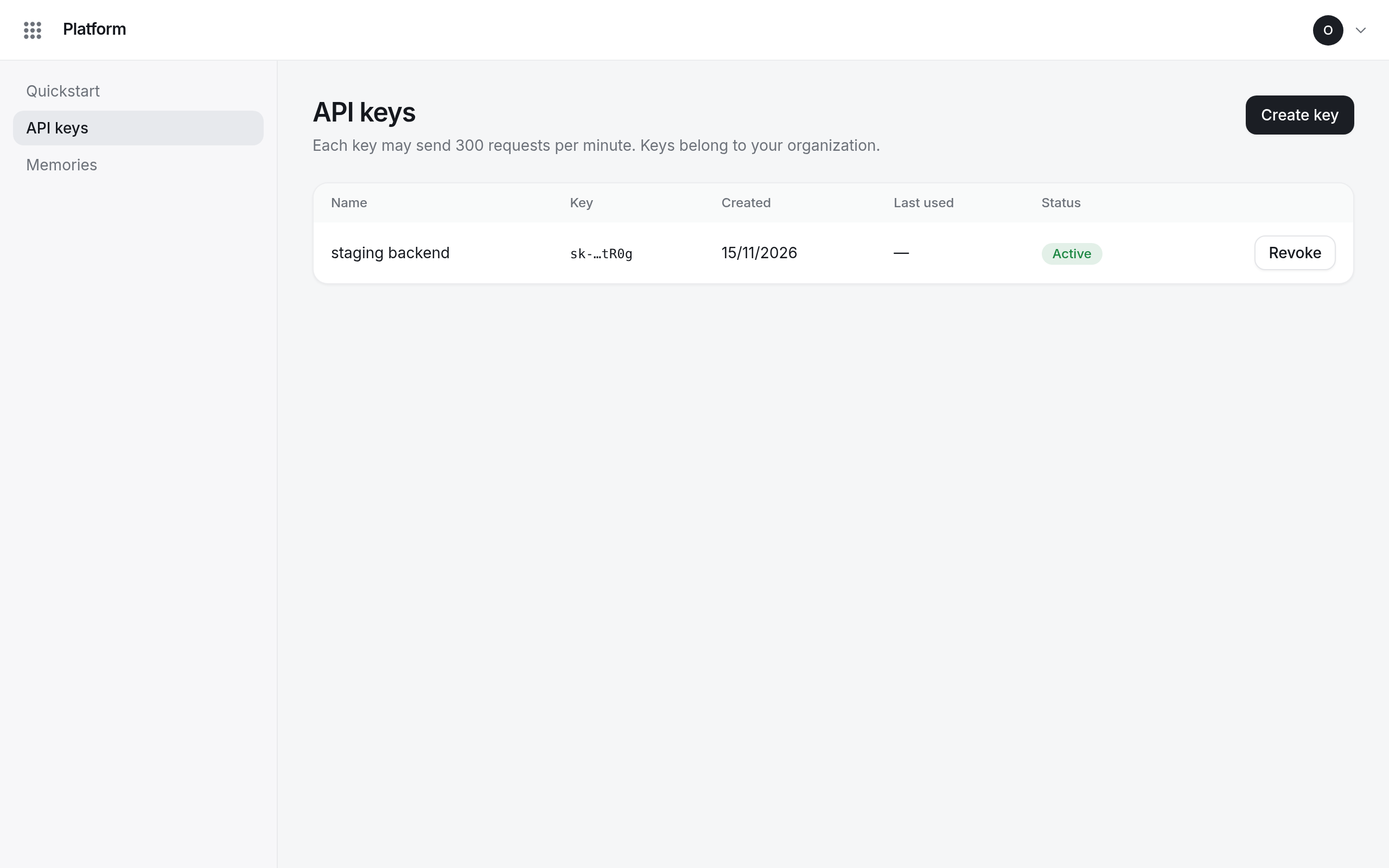
Create API keys for your applications, see when they were last used, and revoke them.
API keys belong to your organization, not to you: they keep working when the person who created them leaves. Everyone with Platform sees every key of the organization.
Create a key
- Open API keys in Platform and select Create key.
- Give it a Name that says where it is used, such as staging backend.
- Select Create and copy the key.
Revoke a key
Select Revoke in the key's row. Requests with it fail within a minute; this cannot be undone.
Members can revoke the keys they created; owners and admins can revoke any key.