
Signing in
Sign in to any app, use a two-factor code, accept an invitation, or reset a forgotten password.
Sign in
Open any app, for example Chat. If you are not signed in yet, you land on the sign-in page.
- Enter your Email and Password.
- Select Sign in.
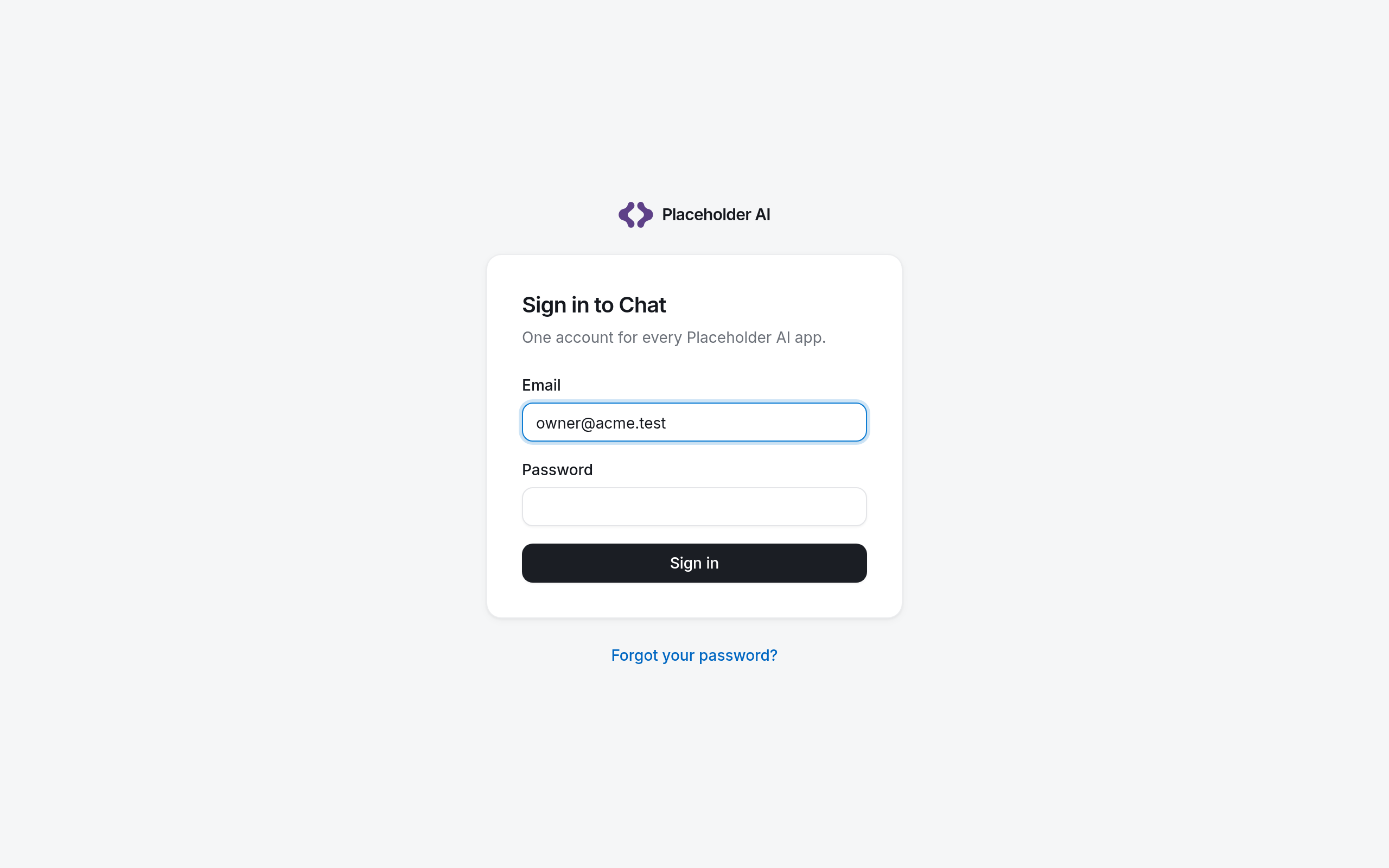
One sign-in is enough for every app: once signed in to Chat, opening Admin or Platform does not ask again.
Enter a two-factor code
If you or your organization turned on two-factor authentication, the next page, Verify it is you, asks for a code. Under Where the code is from, choose:
- Authenticator app: the six digits your app shows now.
- Email: select Email me a code and enter the code from the email.
- Recovery code: one of the codes you saved when you turned two-factor authentication on. Each one works once.
Accept an invitation
When an owner or admin invites you, you get an email with a link. The link works for 7 days.
- Open the link. The page Accept invitation shows the email address you were invited with.
- Choose a Password of at least 12 characters, and optionally a Display name.
- Select Create account.
If your organization requires two-factor authentication, you set it up right after choosing the password. If the link has expired, ask the person who invited you to send it again.
Reset a forgotten password
- On the sign-in page, select Forgot your password?
- Enter your Email and select Send reset link.
- Open the link in the email, enter a New password and select Update password.
If you cannot get in
The message after signing in tells you why:
| Message | What to do |
|---|---|
| You have no access to this app yet. | Ask an owner or admin to give you the app. |
| Your organization’s trial or subscription has ended. | An owner or admin can start a paid plan. |
| Your organization has no access to this app. | Your organization does not have this app; Admin is only for owners and admins. |
| Your account is suspended. / Your organization is suspended. | Contact your organization's owner, or us. |
Select Sign in as someone else to try a different account.