
Usage and billing
See your Chat seats, each member's usage this week, and the turns your organization used by month, day and app.
Open Usage and billing in Admin. A turn is one answer from the assistant, in any app. Choose the month in Month (UTC).
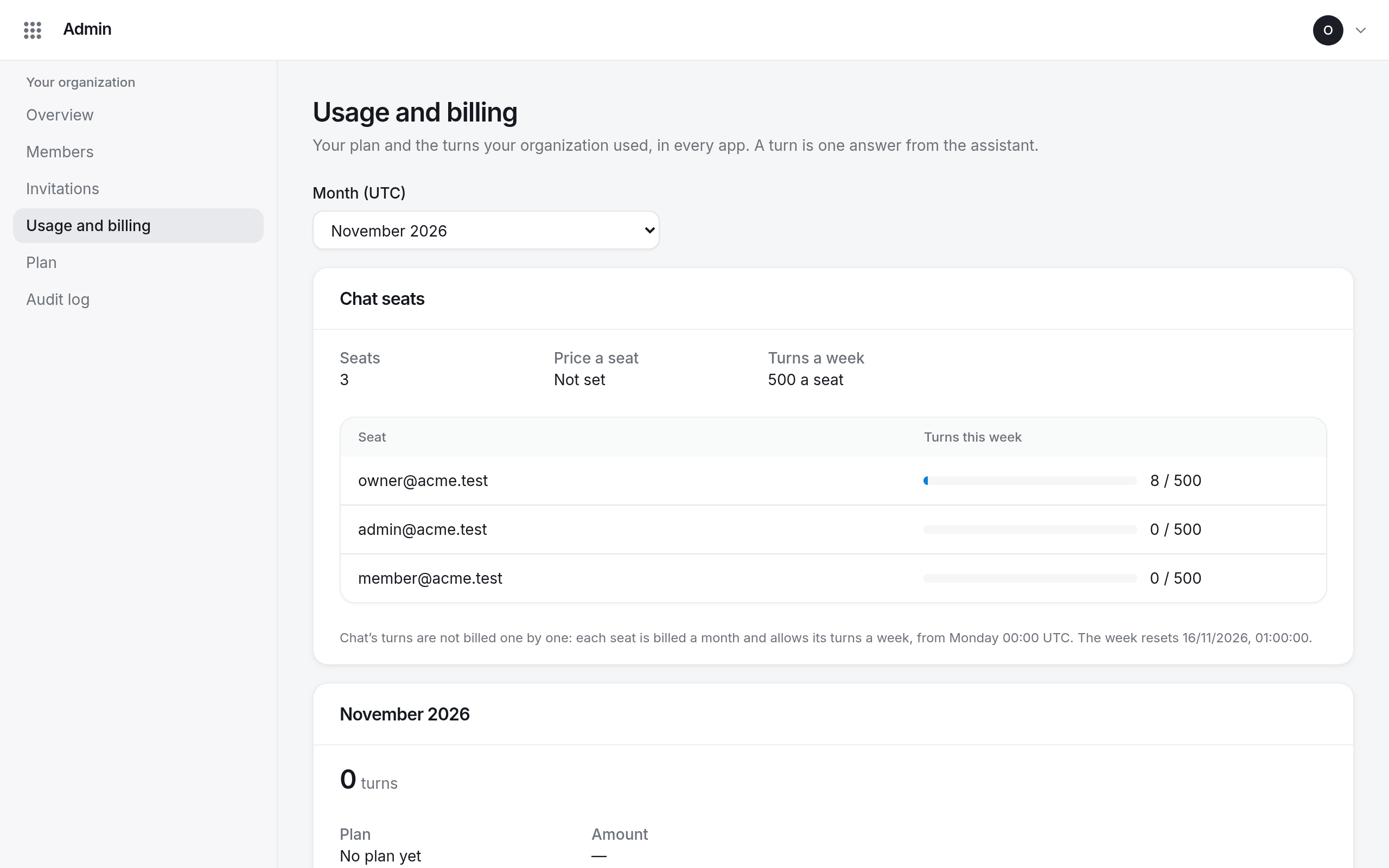
Chat seats
The Chat seats card shows how many seats you have, the price of a seat, and how many turns a week each seat includes. The table lists each seat holder with a meter of their Turns this week.
Seats are billed by the month; each seat's turns reset on Monday at 00:00 UTC. Members see their own usage as a ring in Chat.
The month
The month's card shows the turns your organization used against those your plan includes, the plan, and the amount. Below it, By day and Months break usage down by day and by app.