
Your team of bots
Create bots with a role and instructions, put them in charge of each other, organize them in groups, and chat with them.
Create a bot
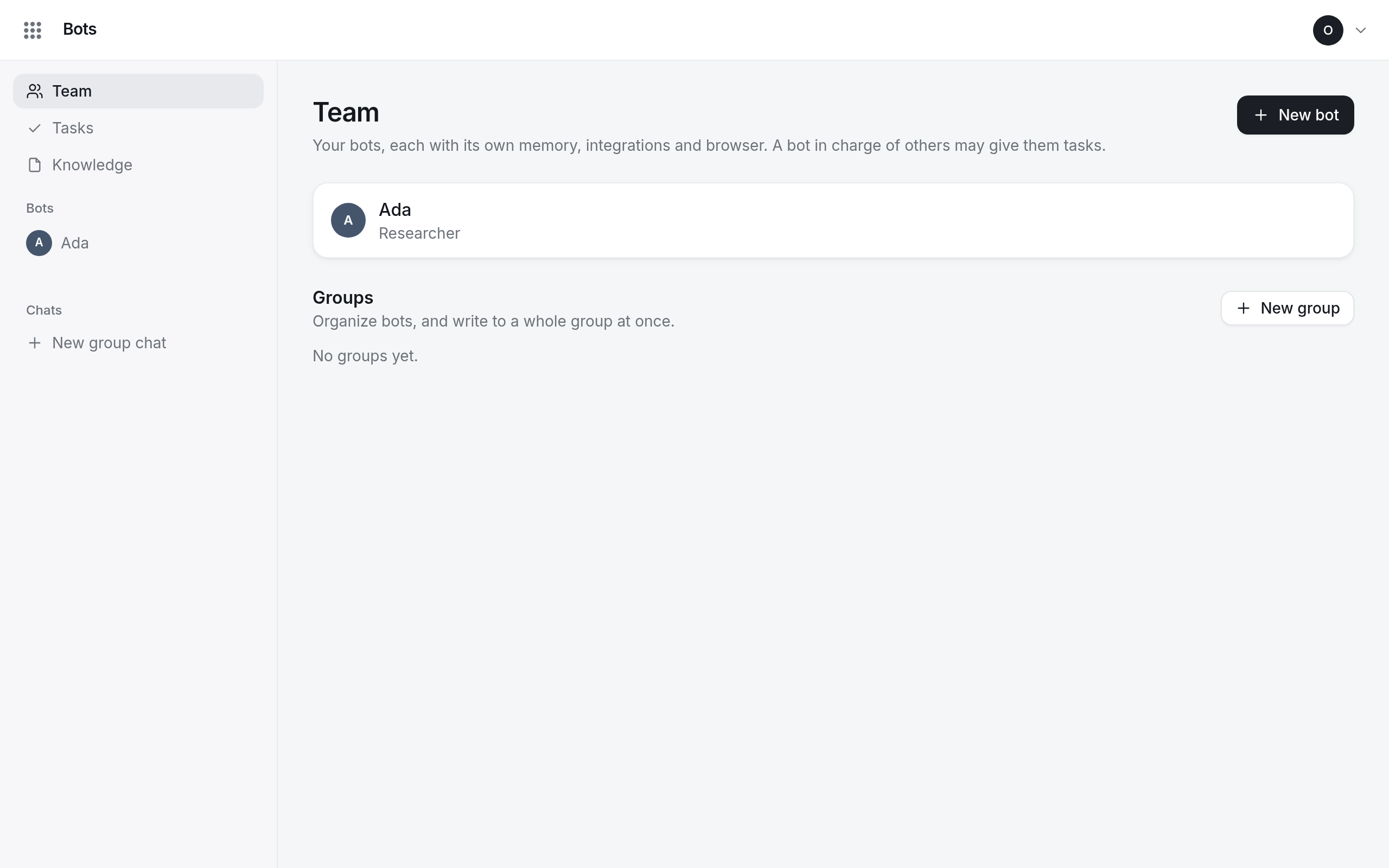
- Open Team and select New bot.
- Fill in:
- Name: one word; others mention the bot as
@Name. - Role: what it is on the team, such as Researcher.
- Instructions: its job in your words: what it owns, how it works, what it must not do.
- In charge of it: a bot that may give it tasks, or Nobody: only you.
- Name: one word; others mention the bot as
- Select Create bot.
The team page shows your bots as a tree: each one under the bot in charge of it.
Chat with a bot
Open the bot and stay on Chat. Say what you need; the bot remembers what it learns from you. While it works, the chat says Name is working….
Groups and group chats
Under Groups, select New group to put bots together, then Message group to write to all
of them. In a group chat, write @Name to address one bot, or @everyone; a message without a
mention goes to the lead bot.
New group chat in the sidebar starts a chat with any bots you pick. Chats between bots appear too: you can read them, but to join in, write to one of the bots directly.
Pause or delete a bot
Pause at the top of the bot stops it from answering and working until you Resume it. Delete is under Settings: its memory, its chats with you and its goals go with it; what it wrote in the knowledge base stays.