
Password
Change your password, or reset it when you have forgotten it.
Change your password
- Open Personal settings from the account menu and select Security.
- Under Password, enter your Current password, a New password of at least 12 characters, and repeat it.
- Select Change password.
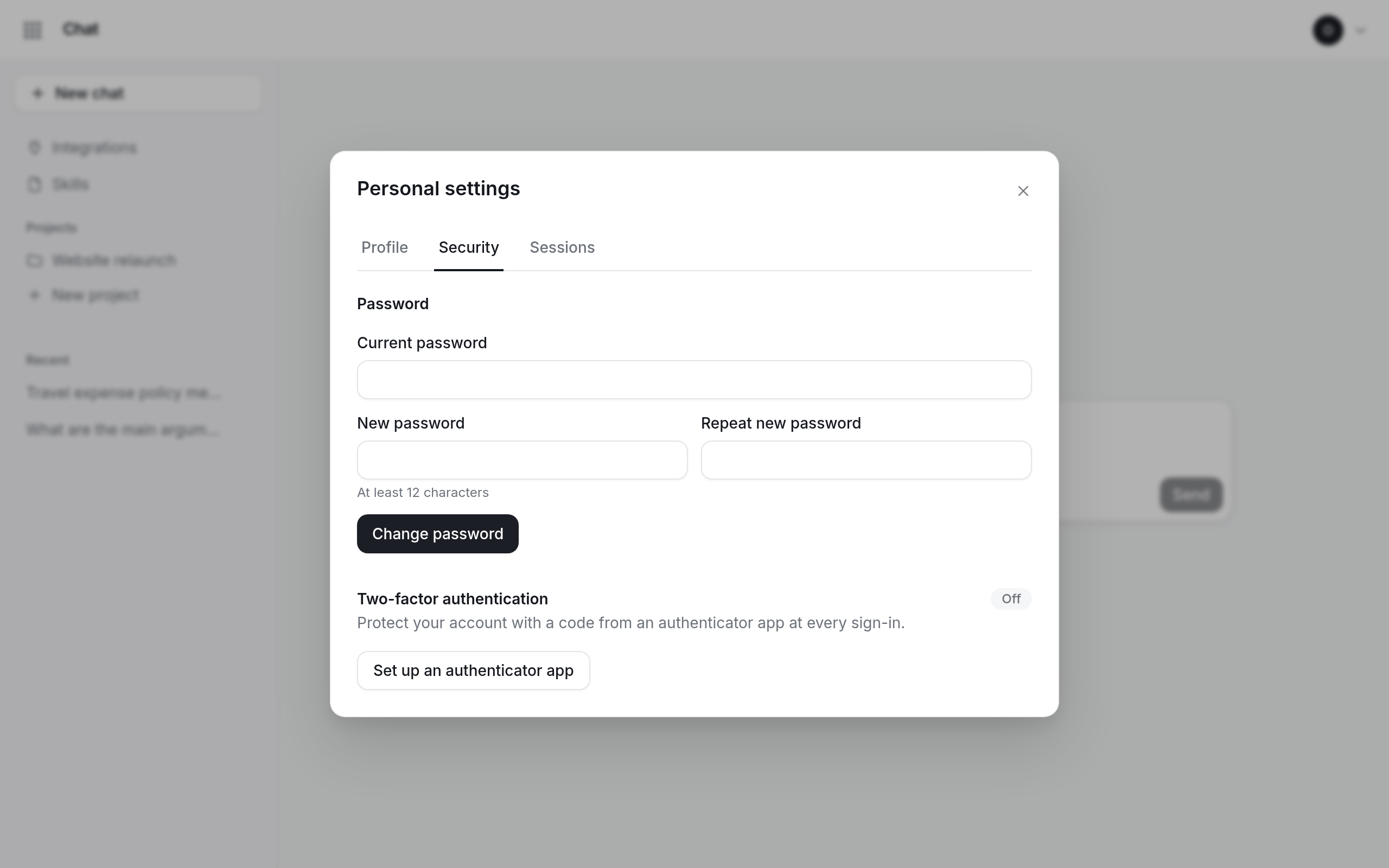
Changing your password signs you out everywhere else: your other browsers and devices ask you to sign in again.
Forgot your password?
Use Forgot your password? on the sign-in page; see reset a forgotten password.