
Projects
Group related conversations in a project so that what is said in one is remembered in the others.
A project is a folder of conversations with a shared memory: what you tell the assistant in one of its conversations, it remembers in the others. Use one for each piece of ongoing work, a client or a topic.
Create a project
- In the sidebar, under Projects, select New project.
- Give it a Name and select Create.
Start a conversation in a project
Open the project and write in the box at the top of its page. Its conversations are listed under Conversations.
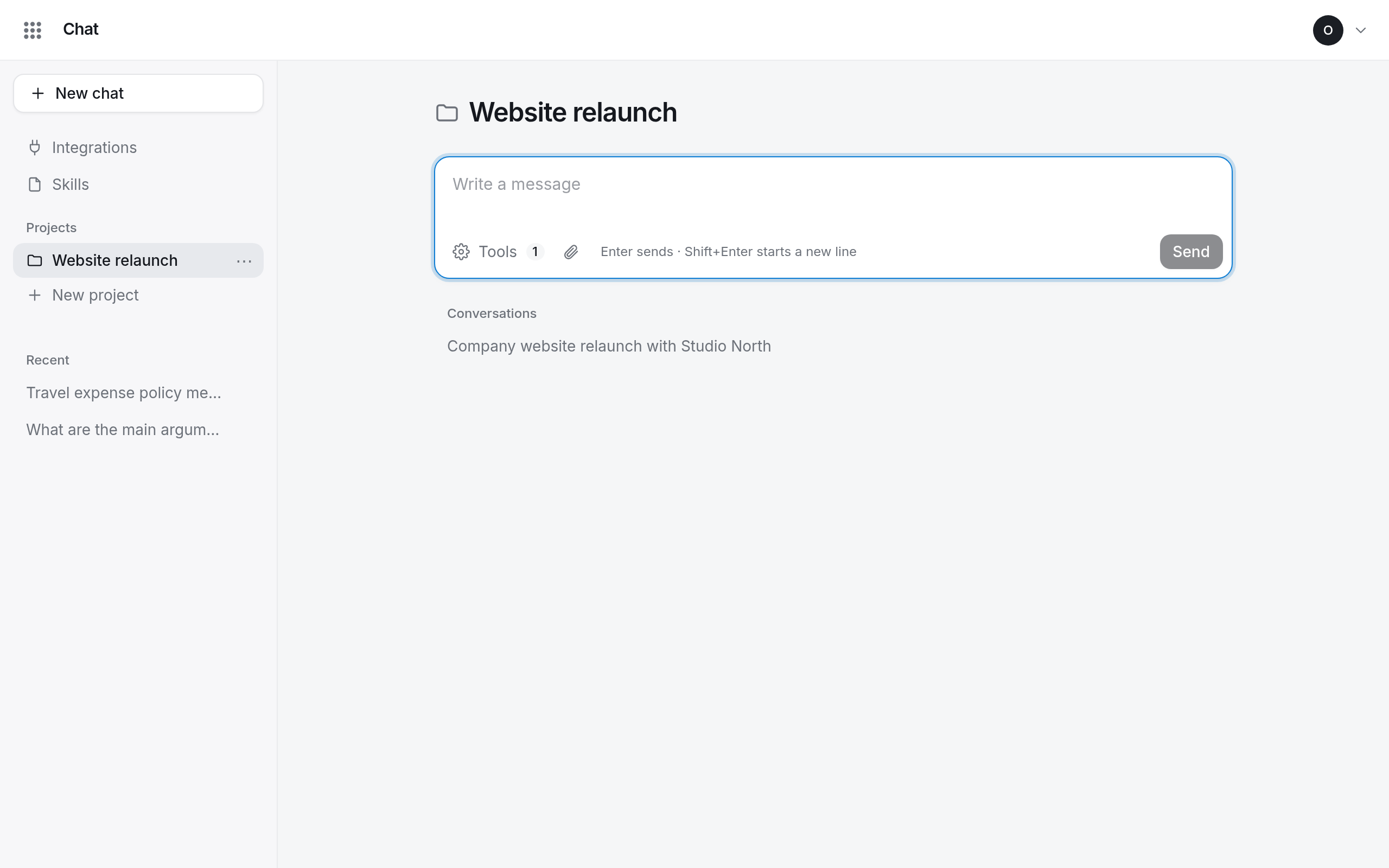
A conversation belongs to the project it was started in; you cannot move it into or out of a project later.
How the memory works
During a conversation the assistant can search the project and look through its other conversations. What it learns is also consolidated into the project's memory overnight, so it is best the day after.
Delete a project
Open the project's ⋯ menu in the sidebar and choose Delete. The project and everything its memory learned are deleted for good. Its conversations stay, under Recent, without the memory.