
Invitations
Invite people to your organization with a role and apps, and resend or revoke invitations.
Invite someone
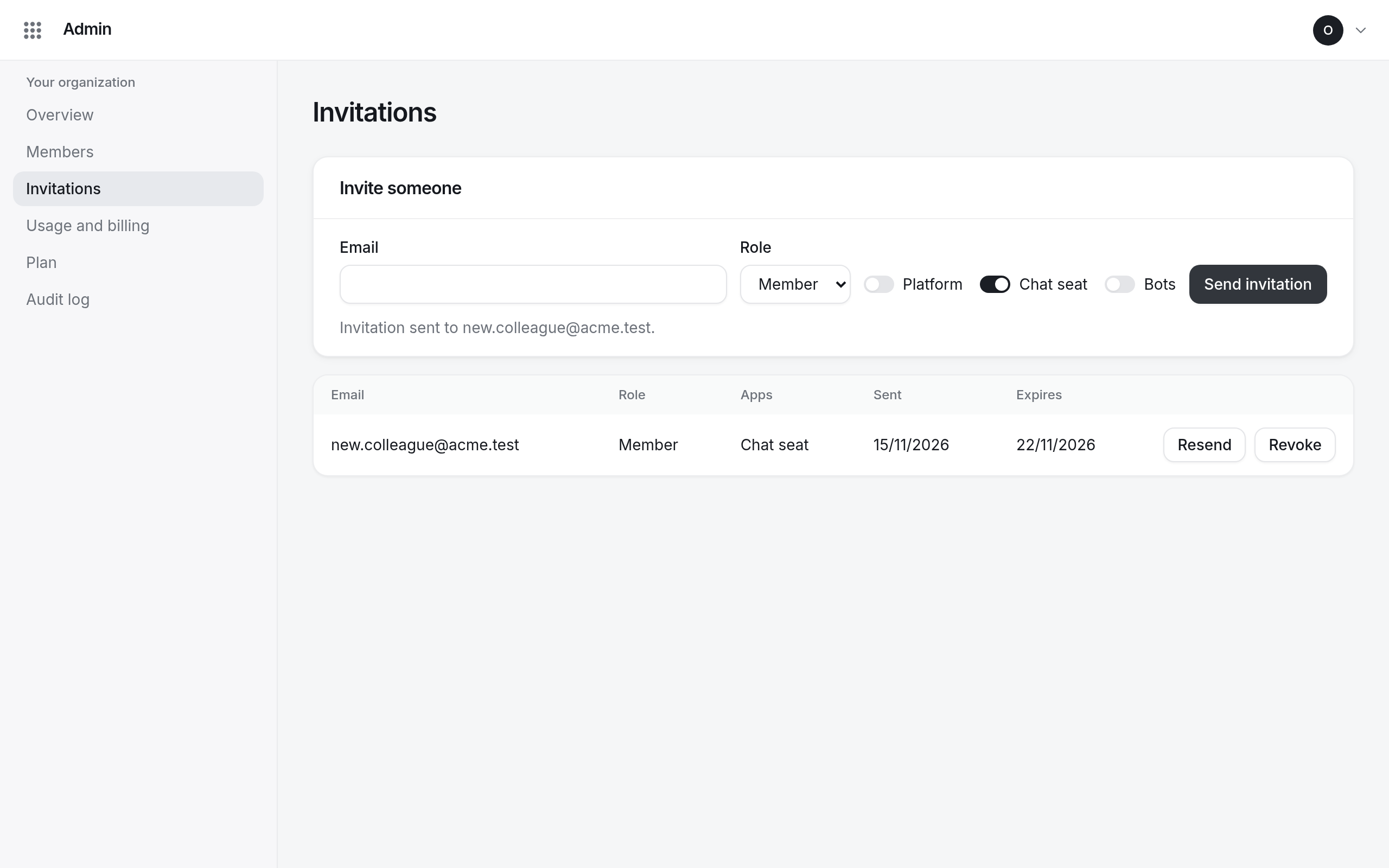
- Open Invitations in Admin.
- Under Invite someone, enter their Email and pick a Role.
- Choose their apps. Chat seat is on by default.
- Select Send invitation.
They get an email with a link to accept the invitation and choose a password. The link works for 7 days.
During a free trial, the number of people your organization can have is limited.
Resend or revoke
Pending invitations are listed with when they were sent and when they expire.
- Resend sends the email again. You can resend once a minute.
- Revoke cancels the invitation; its link stops working.