
Chat
Conversations with the assistant, with your files, the web, your tools and documents it writes for you.
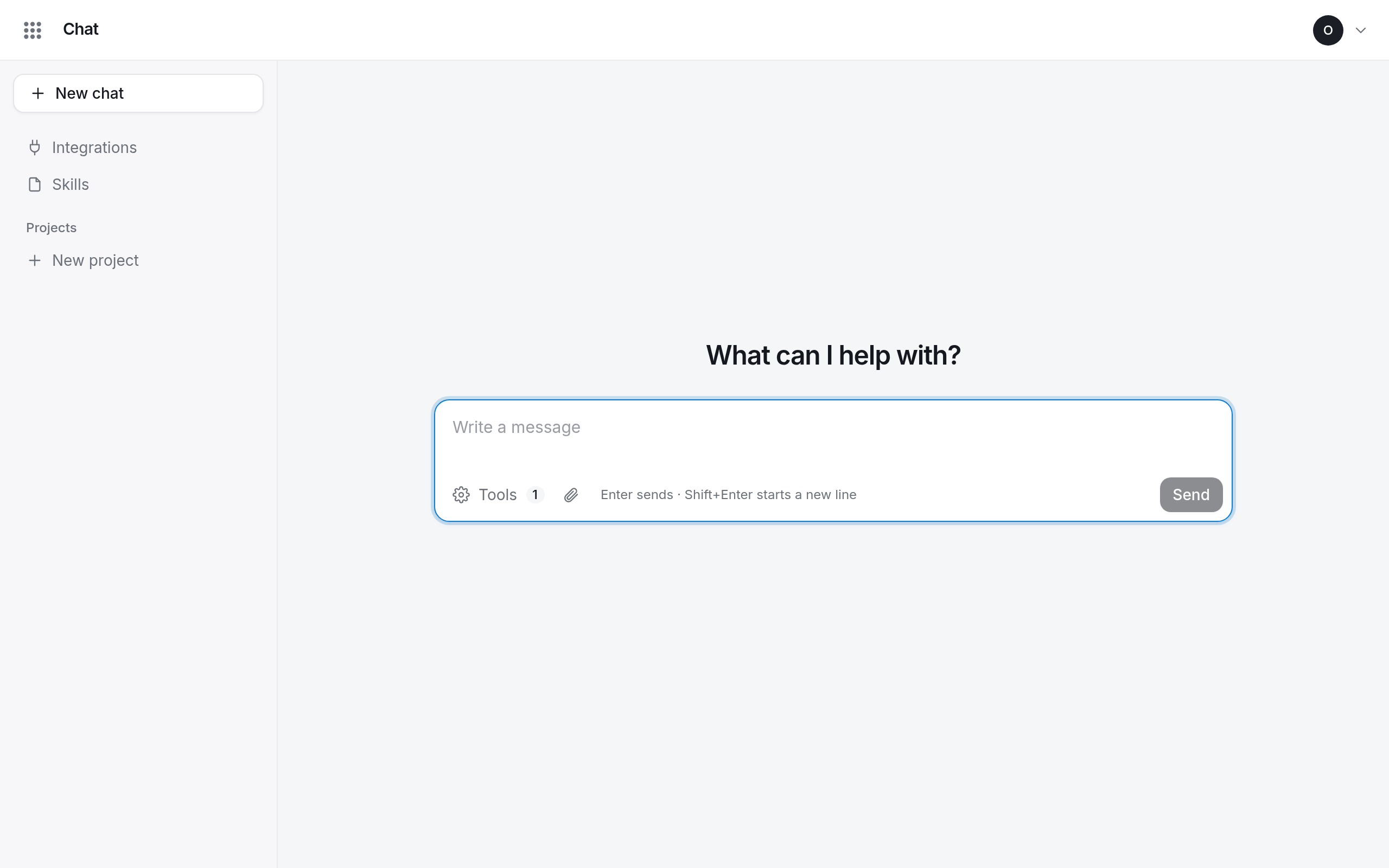
Chat is where you talk to the assistant. Ask a question, give it files to read, have it search the web or work in tools you connect, and let it write documents, tables, slide decks and web pages you can edit and download.
Who can use Chat
Anyone at your organization with a Chat seat. An owner or admin gives seats in Admin → Members, or with the invitation.
Private by default
Your conversations, projects, skills and integrations are yours alone. Colleagues cannot see them, and neither can the owners and admins of your organization.
The sidebar
| Item | What it holds |
|---|---|
| New chat | starts a conversation |
| Integrations | tools from other services the assistant may use (more) |
| Skills | your own instructions for recurring work (more) |
| Projects | folders of conversations that share a memory (more) |
| Recent | your conversations outside projects |
Every conversation and project has a ⋯ menu (or right-click it) with Rename and Delete.
- Conversations Start a conversation, write and send messages, follow what the assistant does, and rename or delete conversations.
- Attaching files Give the assistant PDFs, Word, Excel, PowerPoint and text files to read, and the limits that apply.
- Projects Group related conversations in a project so that what is said in one is remembered in the others.
- Documents, tables, decks and pages Have the assistant write documents, tables, slide decks and web pages, then edit, style, copy and download them.
- Web search and integrations Let the assistant search the web and work in services such as Linear, Notion or GitHub, and choose which tools a conversation may use.
- Skills Write your own instructions for work you ask for again and again, so the assistant does it your way every time.
- Your weekly usage The ring beside Send shows how much of this week's usage you have left, and what happens when it runs out.