
Your account
Your profile and display name, and where to change your password, two-factor authentication and sessions.
You can look after your account in two places:
- Personal settings, from the account menu (your avatar, top right) in any app.
- Your account page, from Account at the bottom of the app switcher. It also lists the apps you can open.
Both have the same settings.
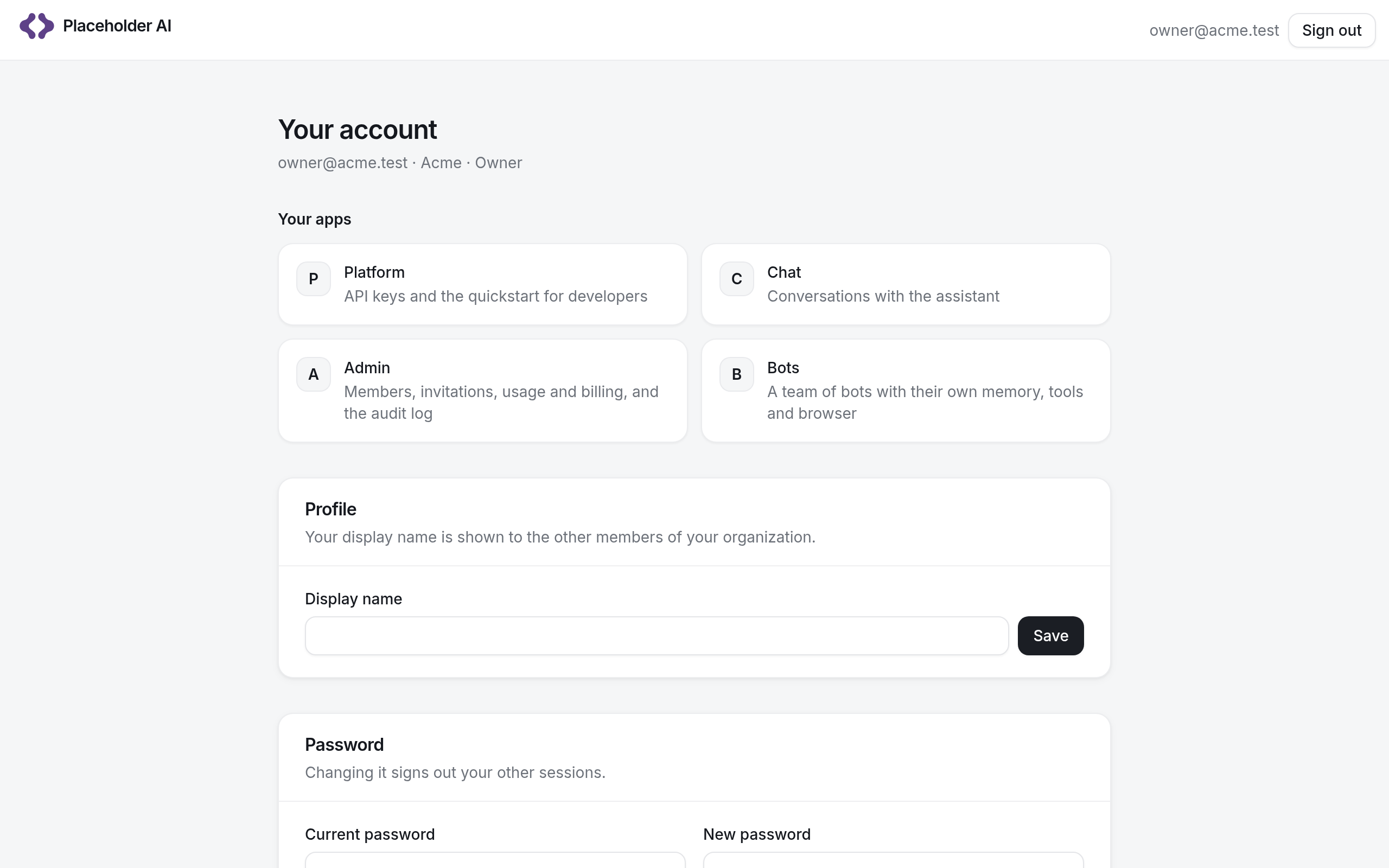
Change your display name
Your display name is shown to the other members of your organization instead of your email.
- Open Personal settings and stay on Profile.
- Change Display name and select Save.
Your organization and role are shown there too. Only an owner or admin can change your role, in Admin.
- Password Change your password, or reset it when you have forgotten it.
- Two-factor authentication Protect your account with a code from an authenticator app at every sign-in, and keep recovery codes for when you lose your phone.
- Sessions See where you are signed in and sign out devices you do not use or do not recognize.