
Platform
An OpenAI-compatible Responses API with memory, for developers. Create a key and send your first request.
Platform is for developers who build on the assistant. Its API speaks the OpenAI Responses API, so any OpenAI SDK works, and adds memories that remember across conversations.
To use Platform you need the Platform app, given by an owner or admin in Admin → Members.
Quickstart
- Create an API key.
- Point your OpenAI client at the base URL shown on Platform's Quickstart page (it ends in
/v1), with your key. - Use the model
tbd-0-general-purpose, orautoto let us pick, and send a request.
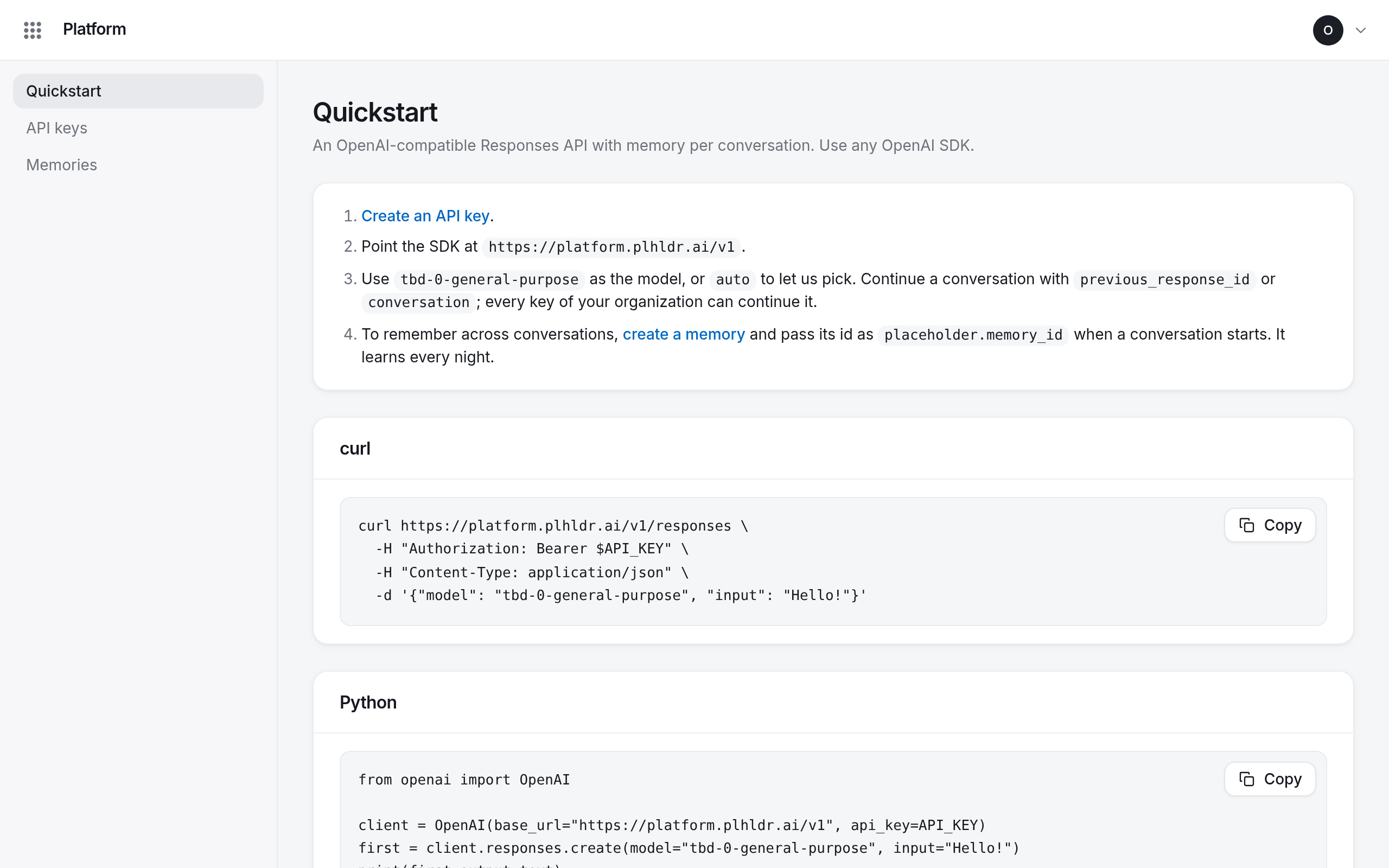
With the OpenAI SDK for Python:
from openai import OpenAI

client = OpenAI(base_url="https://platform.plhldr.ai/v1", api_key="sk-…")
response = client.responses.create(model="auto", input="Say hello.")
print(response.output_text)
Platform's Quickstart page has the same example for curl and JavaScript, with your address filled in.
Continue a conversation
Pass the previous response's id as previous_response_id, or a conversation, and the assistant
answers with what was said before:
second = client.responses.create(
    model="auto", input="And now?", previous_response_id=response.id
)
Any key of your organization can continue a conversation, not only the one that started it. To remember across conversations, attach a memory.