
Moving between apps
The app switcher, the account menu and personal settings, which every app shares.
Chat, Bots, Platform and Admin share the same bar at the top.
Switch apps
Select the Apps button (nine dots) at the top. The menu lists Your apps, the ones you may open, with a line about each. Account at the bottom opens your account on its own page.
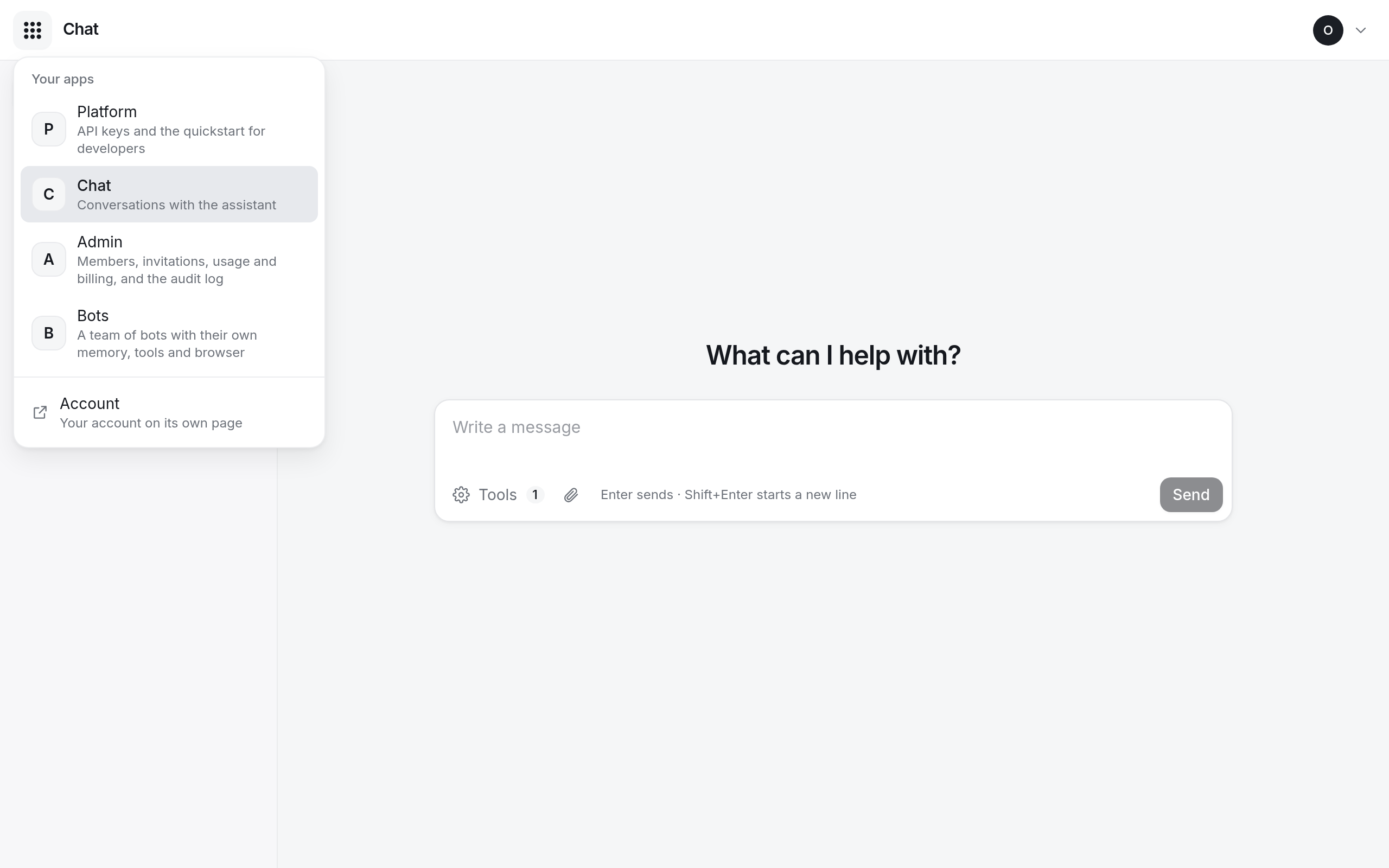
An app you do not see in the list is one your organization does not have, or one an owner or admin has not given you yet.
The account menu
Select your avatar at the top right. It shows your name, email, organization and role, and:
- Personal settings: your profile, password, two-factor authentication and sessions, without leaving the app.
- Sign out: signs you out of every app in this browser.
Links in answers
When you select a link in an answer from Chat or Bots, a dialog Open this link? shows the full address first. The assistant wrote the link, so check where it leads before you select Open link.